• cadwell.com
  • cadwell.support
  • cadwell.education
  • estore.cadwell.com
  • |
  • Careers
  • Remote Assistance
  • Licensing Bot
Secondary
LinkedinFacebookInstagram
Cadwell Support SiteCadwell Support Site
Cadwell Support Site
Helping you help others.
  • REGISTER
  • Login
  • REGISTER
  • Login

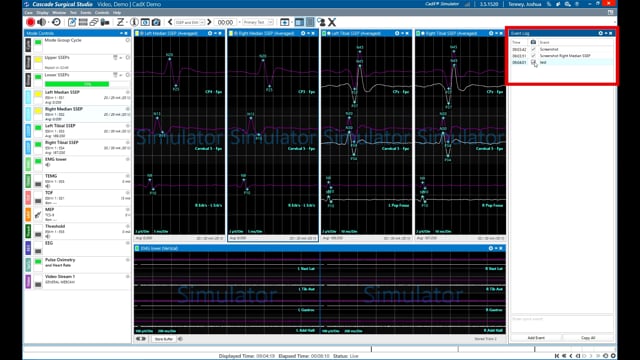
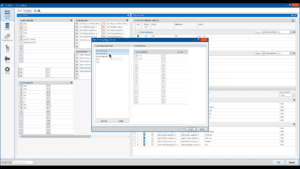
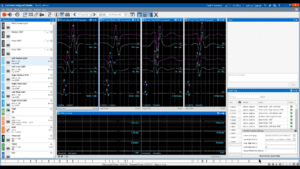
Adding Modes and Assigning Channels

Overview of how to add modes and assign channels in Cascade Surgical Studio studies.


You may also like

Navigating the Basics
Procedure Setup Time Savers
Timeline Enhancements
«1234»
Page 3 of 4
Contact Us
1 (800) 245-3001 U.S. Toll-Free
1 (509) 735-6481

Request Contact
U.S. Sales Representative

Email
General Contact:
info@cadwell.com

U.S. Support:
applications@cadwell.com
© 2026 Cadwell Industries, Inc. All Rights Reserved.
  • Privacy Notice
  • Terms and Conditions
Footer