• cadwell.com
  • cadwell.support
  • cadwell.education
  • estore.cadwell.com
  • |
  • Careers
  • Remote Assistance
  • Licensing Bot
Secondary
LinkedinFacebookInstagram
Cadwell Support SiteCadwell Support Site
Cadwell Support Site
Helping you help others.
  • REGISTER
  • Login
  • REGISTER
  • Login

Arc 3.2 Multi-Camera Setup | Step 3: Camera Configuration and Standardization

Arc 3.2 Multi-Camera Setup: Step 3 of 4

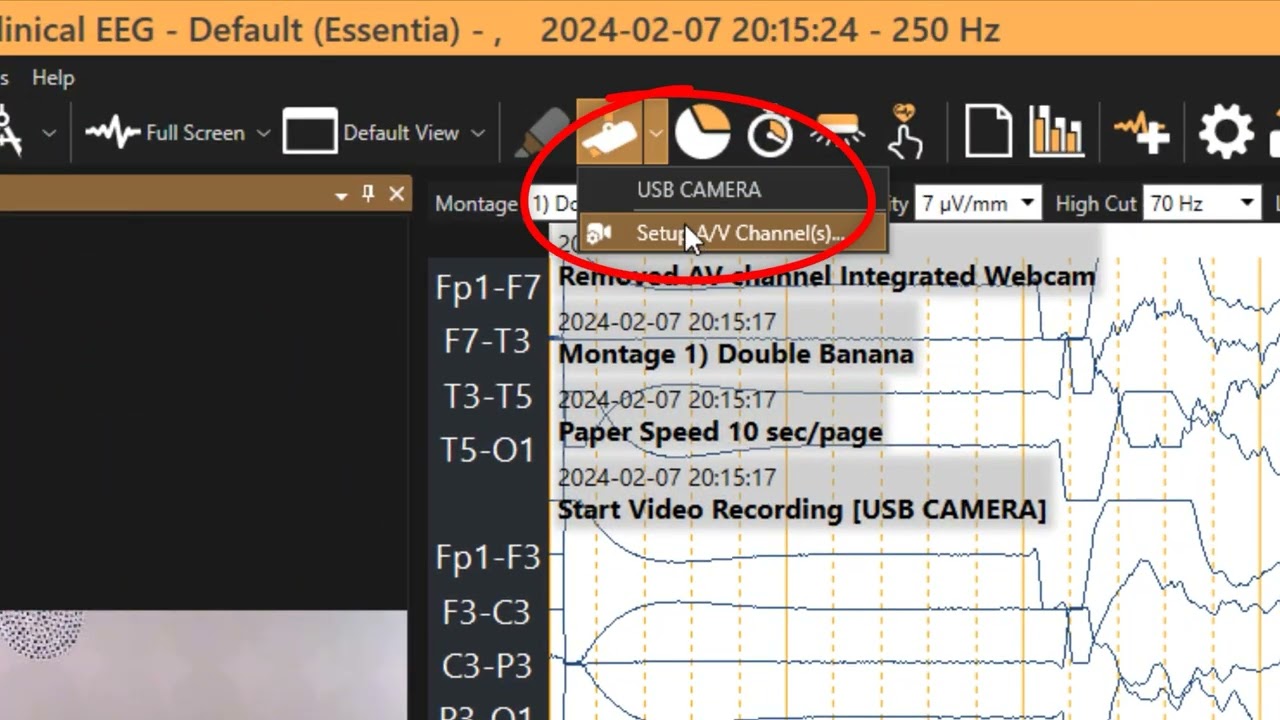
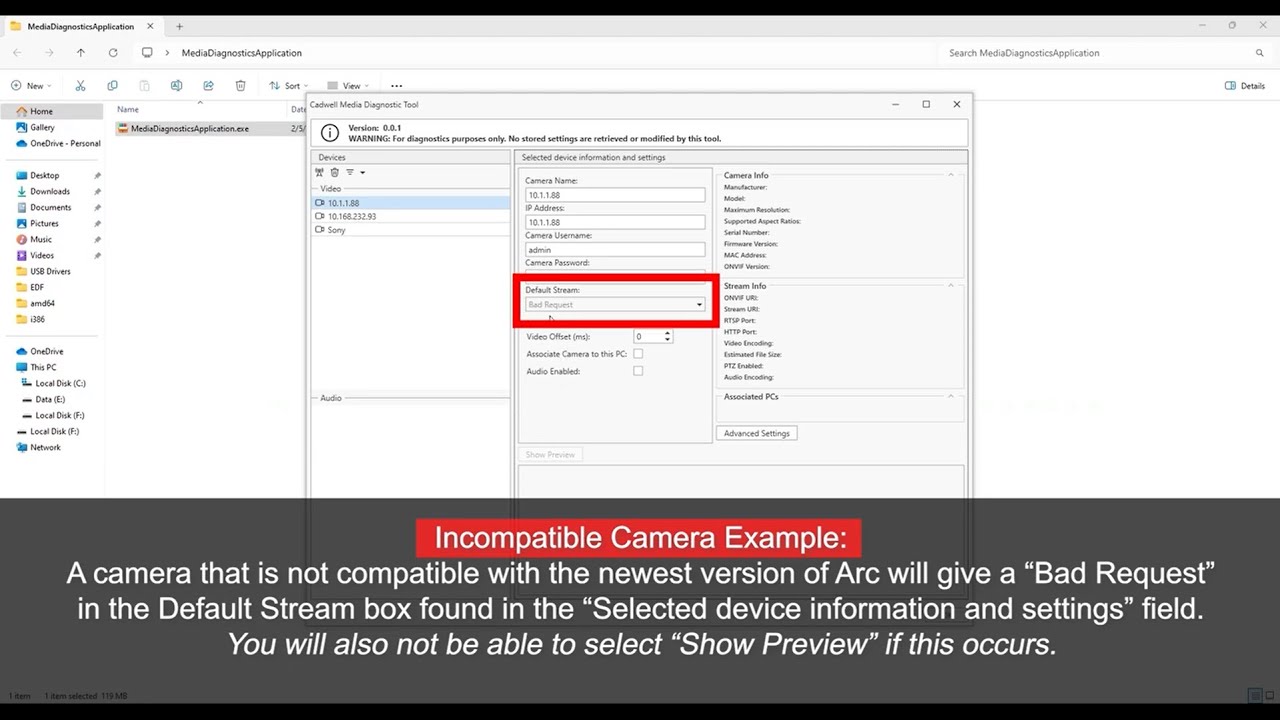
Once your cameras are validated, configure your cameras for your clinical environment. In this video, you will learn how to adjust camera settings in Arc 3.2 software for different setups, including fixed room installations, carts, and common rooms.


You may also like

Arc 3.2 Multi-Camera Setup | Step 2: Camera Troubleshooting
Arc 3.2 Multi-Camera Setup | Step 4: Multi-Camera Video Recording
«12
Page 2 of 2
Contact Us
1 (800) 245-3001 U.S. Toll-Free
1 (509) 735-6481

Request Contact
U.S. Sales Representative

Email
General Contact:
info@cadwell.com

U.S. Support:
applications@cadwell.com
© 2026 Cadwell Industries, Inc. All Rights Reserved.
  • Privacy Notice
  • Terms and Conditions
Footer